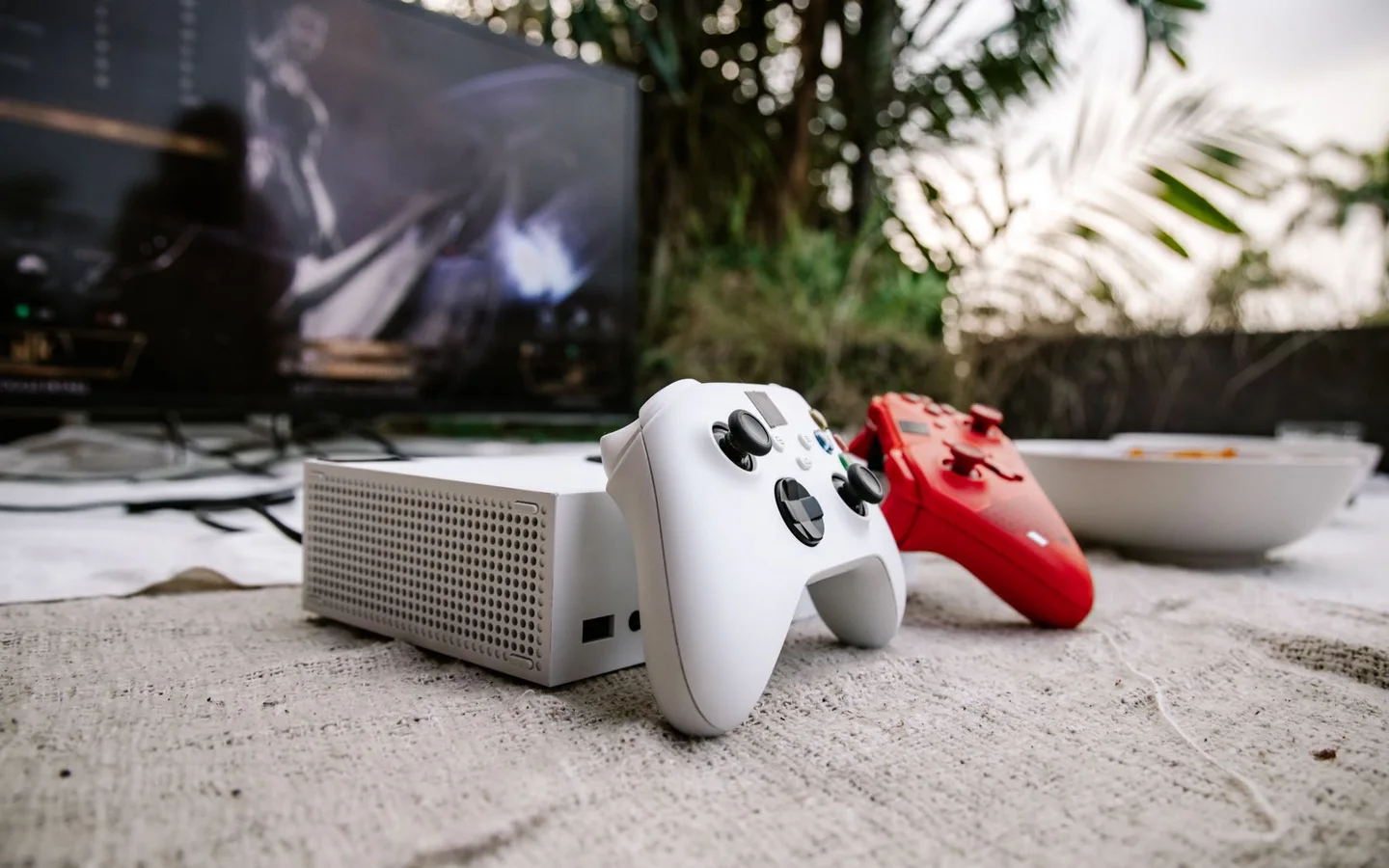

Rockstar and Take-Two list PlayStation 5 and Xbox Series X and Series S for Grand Theft Auto VI's November 19, 2026 launch. If you are buying a copy for someone, get the exact console name before choosing a store or a gift card. Similar names across Xbox generations are an easy source of mistakes. Rockstar's game page · Take-Two's release lineup
Start with the hardware in front of you
Ask the person for the exact device name shown in system settings or on their account's device list. Then compare it with the store listing. “Xbox” describes a family. In this launch announcement, the hardware names are Series X and Series S. “PlayStation” also covers older systems, while the listed hardware here is PS5. Those wording differences matter more than the edition badge on the product page.
The next check is the delivery format. Someone who owns a console without a usable disc drive needs a compatible digital delivery method. A store listing presented in a box photo can still be a redemption-code product, and a retailer can sell different versions with similar art. Read the line that spells out what is supplied. The Rockstar Store and the PlayStation Store listing give you two ways to check how the offer is labeled.
Read compatibility as a separate decision from performance
Once you know a device is listed, you can ask what differences matter to you. A product page can confirm that a game is sold for a system. It cannot tell you exactly how every scene will behave on your own display. Look for platform-specific documentation and reproducible testing after launch if frame rate, output options, or accessibility settings would decide a purchase for you.
A household comparison can start with the screen and seating you already have. A feature that is invisible or irrelevant on that setup does not need to influence the budget. Check storage space and account access before comparing extras. They set practical limits on whether the copy can be installed and launched in the first place.
What about PC and older consoles?
The cited launch lineup names the PS5 and Xbox Series systems. It does not provide a GTA VI PC release date. Treat a claim about another device as a separate claim that needs its own listing or publisher announcement. A video captured on a development system, a listing for an older GTA game, or an unofficial countdown cannot fill that gap.
If a console purchase would stretch your budget, waiting is a reasonable decision when the hardware you own is outside the announced list. Set a check for the official Rockstar page and look for the platform name, commercial listing, and release date together. This keeps the decision tied to a version you can actually buy.
Before you purchase for someone else
Confirm the exact device, the recipient's storefront region, and whether the product is a download, code, or disc. Check the edition only after those basic details agree. That order prevents the most expensive mistake in the choice: buying the correct game for an account or device that cannot use the copy.
If the recipient shares the machine with someone else, confirm who will redeem the purchase before sending a code. Putting the code on the wrong account can make a perfectly compatible copy hard to find later in the library.
Sources
By VUZURAN. Hypothetical examples describe situations we made up. References to VUZURAN services describe our own work.