

A website, CRM and project dashboard can each show the same customer while disagreeing about the owner, status or next action. Connecting the systems does not resolve that disagreement unless the integration has a rule for which source governs each field.
CRM workflow integration services should therefore begin with a data and responsibility map. The API connection is necessary, but the useful outcome is a business record that remains understandable after updates, retries and manual corrections.
VUZURAN builds connected business tools and AI workflows. This guide describes an original scoping method for an integration engagement, not a claim that every CRM supports the same capabilities.
Map the business objects
List the records that cross systems: contacts, companies, inquiries, deals, projects or appointments. Explain how they relate. A person submitting two inquiries may still be one contact, while each inquiry needs its own history and outcome.
Choose stable identifiers for cross-system matching. A display name is rarely enough. Decide how the integration handles a record that already exists and what happens when a person changes an email address or organization.
Keep a mapping record between systems. If the destination creates a new identifier, preserve it so future updates reach the intended record instead of creating another copy.
Assign field ownership explicitly
For each shared field, identify the source of truth and the allowed direction of update. Some fields may be owned by the CRM, while a project system owns delivery status. A website form can supply a new request without becoming authoritative for every existing contact property.
| Shared information | Example owner | Integration rule to define |
|---|---|---|
| Contact identity | Approved customer record | How duplicates and corrections are resolved |
| Inquiry details | Original submission | Preserve the request and source |
| Account owner | CRM assignment process | Which changes may overwrite the owner |
| Project milestone | Project system | Which status is exposed to the client |
| Appointment | Booking system | Confirm timezone, attendees and state |
| Contact preference | Approved preference process | Propagate restrictions to relevant paths |
The example owners are illustrative. The important deliverable is your actual field map with an accountable decision for each shared value.
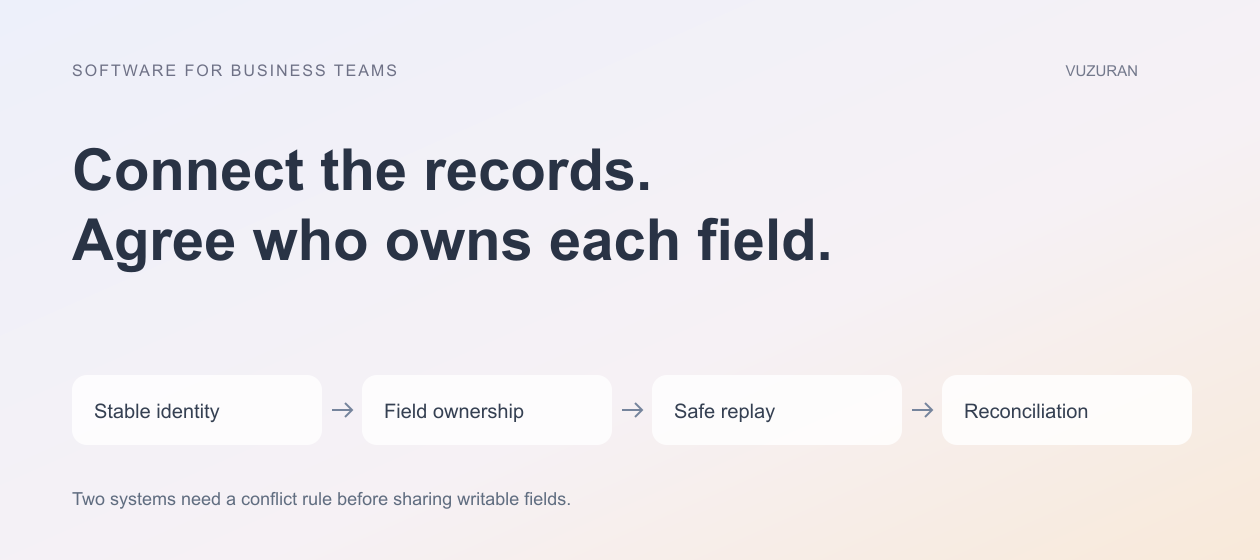
Two systems should not keep overwriting the same field without a documented conflict rule.
Distinguish events from the latest state
An event says something happened. A record shows the current state. An integration may need both, especially when updates arrive late or more than once.
Record the event identifier, relevant record and processing result. If an old event arrives after a newer update, decide whether to ignore it, reconcile against the current source or route a conflict for review. Do not assume arrival order always represents business order.
Check the exact API version and event mechanism in the proposed platform. During source review on October 27, 2026, HubSpot's webhooks documentation described a beta journal model with compatibility differences from its earlier webhook API. That is a reason to specify the interface being implemented rather than write only “connect HubSpot” in the proposal.
Plan for repeated delivery and uncertain writes
A source can deliver an event again, and a network failure can obscure whether the destination accepted an action. Give the business operation an identity and define how repeats are recognized.
Stripe's idempotent-request documentation provides a concrete provider example of keys used to recognize repeated requests. A CRM may offer different support. Do not assume a header used by one API works in another; inspect the destination and implement the appropriate duplicate-prevention and reconciliation strategy.
Our API integration guide explains how to handle a timeout after an external write. A safe recovery needs evidence of the actual state before it repeats a consequential action.
Decide how manual changes interact with automation
Staff will correct records, reassign accounts and resolve exceptions. The integration should preserve those decisions according to the field map. Otherwise, a scheduled synchronization can undo useful human work without explanation.
Include a way to pause updates for a disputed record or route the conflict to an owner. Keep the original and proposed values visible during review. Avoid hiding a conflict behind a generic “sync failed” notification.
Test a manual change while a workflow is waiting. This often reveals whether the integration checks current state before writing or blindly applies an earlier snapshot.
Protect the connected records
Use credentials with the access required for the integration. Check record-level authorization in any interface exposed to administrators or clients. A client-facing project view should not be able to reach another account's CRM information by changing an identifier.
OWASP's authorization guidance supports least privilege and permission checks on requests. Apply those controls in the server and integration layer, not only in visible navigation.
Decide what is logged and who can inspect it. Error messages and payloads can contain private customer information. Retain enough evidence to diagnose the operation without copying every field into an unrestricted log.
Test the lifecycle, then hand it over
The acceptance set should include creation, update, duplicate arrival, deletion or deactivation where relevant, missing fields and connection failure. Verify the destination record and the operator's view after each case.
Use a controlled dataset in an authorized environment. Keep the test evidence and the integration configuration with the release record. A successful authentication screen is not proof that the complete workflow works.
For handover, provide the field map, credential responsibilities, recovery instructions, monitoring and change process. Identify who responds when an external API changes or a token expires. Maintenance is part of owning the connection.
A VUZURAN discovery conversation can start with one broken handoff and the records involved. We can assess whether a native connector, configured workflow or custom integration fits the required behavior. The aim is a consistent process the team can operate, not an unnecessary replacement of systems that already work.
Frequently asked questions
Is a native CRM connector enough?
It may be. Test the exact objects, fields, actions and recovery behavior your process requires rather than relying on the connector's name.
What is field ownership?
It identifies which source governs a shared value and which updates may change it. It prevents connected systems from repeatedly undoing each other's changes.
Can we ignore repeated events?
Only with a rule that distinguishes a repeat from a legitimate new operation. Preserve identifiers and processing evidence so the decision can be checked.
What should the handover include?
Include the field map, record matching, permissions, failure recovery, monitoring, deployment details and the person responsible for ongoing changes.
Sources & context
- HubSpot: Webhooks journal and management APIs (beta)
Primary reference reviewed October 27, 2026. Public-service methodology is identified as such; business frameworks and examples are original VUZURAN editorial guidance.
- Stripe: Idempotent requests
Primary reference reviewed October 27, 2026. Public-service methodology is identified as such; business frameworks and examples are original VUZURAN editorial guidance.
- OWASP: Authorization Cheat Sheet
Primary reference reviewed October 27, 2026. Public-service methodology is identified as such; business frameworks and examples are original VUZURAN editorial guidance.
Written by VUZURAN. Examples labeled hypothetical are illustrative; they are not customer results. VUZURAN service references describe our own business.