

A reusable agent can make a familiar task easier to delegate. It can also make an unclear process run more often. Before turning a successful demonstration into a shared business workflow, decide what the agent should accomplish and how the team will know whether it did.
OpenAI's workspace-agent cookbook demonstrates connected applications, reusable instructions, testing, scheduling, and sharing. It is a useful reference implementation. Your own rollout still needs a business definition, an access review, and a plan for exceptions.
This guide provides an original readiness checklist for a small team. It is not a claim that every ChatGPT plan has the same agent features or administration controls. Product details were reviewed on October 27, 2026; verify availability in your workspace before planning around a particular capability.
Give the agent a job with an owner
Start with one sentence that describes the result. “Prepare a reviewable weekly summary of unresolved customer requests” is more useful than “manage customer success.” Identify the person who accepts the output and the source records that establish whether it is correct.
Define the boundary around that result. Does the agent read records, prepare a draft, update an internal field, or contact someone? Each step creates a different operating responsibility. A job that sounds narrow can still involve broad access if its sources are poorly organized.
For a hypothetical consulting business, a first agent could prepare an internal exception report. Staff would decide which customers need a response. The pilot would not authorize changing contracts or sending a message merely because the agent identified an unresolved issue.
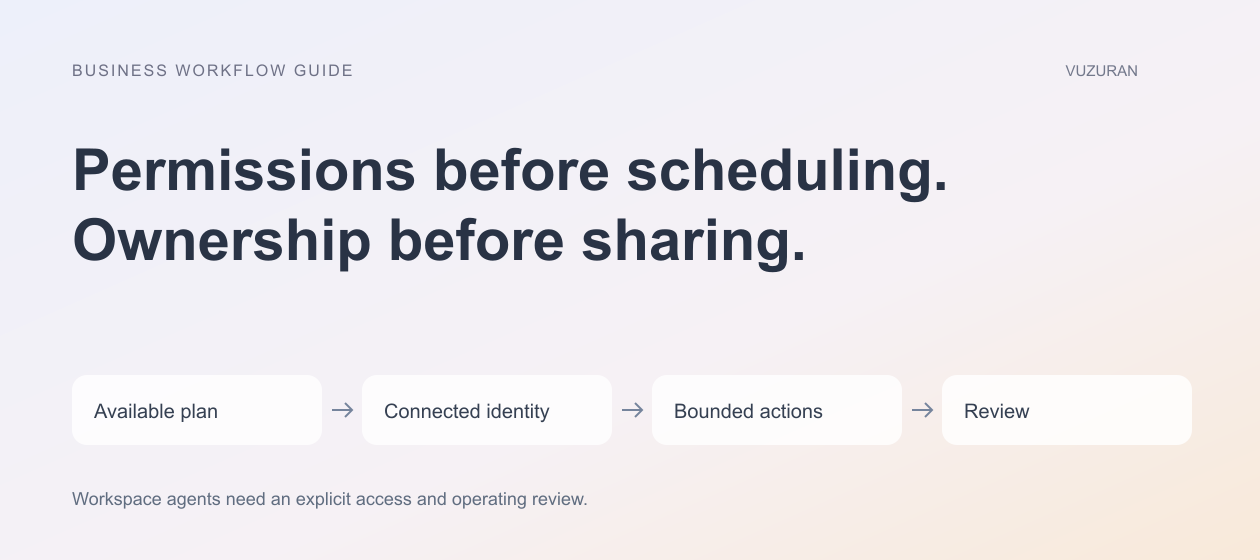
Check availability before writing the rollout plan
Ask the administrator which capabilities are enabled in the actual workspace. Confirm who may create, share, and operate reusable agents and which applications are approved. Keep those answers with the project brief.
OpenAI's current admin FAQ distinguishes plan-specific controls. In particular, it does not describe ChatGPT Business as having the same custom member RBAC and SCIM group synchronization as eligible Enterprise and Edu plans. Avoid copying an enterprise setup checklist into a small-business rollout without checking the differences.
Treat availability as an implementation constraint. If a required connection or control is missing, narrow the workflow or choose another implementation rather than assuming a product label resolves it.
Review the connected identity
A connection can represent an individual or a shared account. Those identities can have different source-system access. The ChatGPT Work overview explains that shared or agent-owned connections use the connected account's permissions, which may differ from the requesting user's permissions.
Sharing an agent is a reason to review its connected access again. Do not assume that the person running it and the account reading a document are interchangeable.
Build an access worksheet before a team pilot:
| Connection question | Evidence to collect | Why it matters |
|---|---|---|
| Which account is connected? | Named identity and responsible administrator | Establishes whose source access applies |
| Which records can it read? | Approved folders, objects, or scopes | Prevents a narrow task from using an unnecessarily broad collection |
| Which actions are enabled? | Read and write operations relevant to the job | Separates preparing information from changing it |
| Who can run the agent? | Actual sharing audience | Reveals whether access fits the intended users |
The worksheet is editorial guidance. Test the behavior of the selected apps rather than assuming all integrations offer identical controls.
Make instructions operational
A useful instruction describes the input, allowed scope, expected output, and conditions for stopping. Include what to do when a source is missing or contradictory. Ask for an explicit unresolved state rather than a confident substitute.
Use a hypothetical request to evaluate the instruction before adding a recurring schedule. If the team cannot decide whether the result passes, the specification is still too vague.
Avoid packing every future use case into one agent. A weekly exception report and a customer-facing account update may share sources but need different outputs and approval boundaries. Keeping the jobs distinct can make them easier to evaluate and maintain.
Test beyond the successful example
Build a small set of representative inputs. Include an ordinary case, a missing record, an unavailable app, and a task that exceeds the agent's authority. Use sanitized information where appropriate.
Check whether the output identifies unsupported conclusions. Also check what the agent changes, where it saves an artifact, and who can access the result. A correct summary placed in the wrong shared folder is still an incorrect outcome.
Record the expected response for each case before testing. Keep the examples when you revise instructions or connections. A change that improves the ordinary case may worsen an exception the team previously handled correctly.
Schedule only after the manual run is useful
A recurring workflow needs a definition of which period it covers, which time zone it uses, and what should happen when a run is late. Consider empty inputs and repeated triggers. An empty report should not invent activity to fill the page.
Agree who checks failed or incomplete runs. A schedule is not an operating owner. The person responsible should know how to pause the agent, inspect the available evidence, and direct unfinished work through a manual path.
An original rollout principle is:
Repeat the job only after the team can recognize a good result and recover a bad one.
Decide what belongs outside the agent
You may need an external application when the process requires a specific customer interface, stricter record-level controls, or integration behavior the available apps do not provide. That decision should come from requirements, not a preference for custom development.
VUZURAN works on AI agents and connected business tools. A discovery conversation can examine whether an existing workspace feature is enough, where integration work is needed, and how to define a reviewable first release. Bring the task, approved sources, and the exceptions your team currently handles manually.
Frequently asked questions
Are workspace agents available on every ChatGPT plan?
Do not assume that. Check current official documentation and your workspace's enabled features before selecting a deployment approach.
Does sharing an agent give everyone identical data access?
Connection identity and source permissions matter. Review individual, shared, or agent-owned connections and test the intended sharing audience.
Should we automate the schedule immediately?
First test whether an on-demand run produces an acceptable result and handles missing information. Then define the recurring period and recovery responsibilities.
Does a reusable agent replace an integration project?
Sometimes an existing feature covers the workflow. Other cases still need custom data handling, interfaces, or execution controls. Evaluate the actual requirements.
Sources & context
- OpenAI: Sales meeting preparation with ChatGPT agents
Primary documentation reviewed October 27, 2026. Examples and analysis are original VUZURAN editorial guidance.
- OpenAI: Work overview
Primary documentation reviewed October 27, 2026. Examples and analysis are original VUZURAN editorial guidance.
- OpenAI: Work admin FAQ
Primary documentation reviewed October 27, 2026. Examples and analysis are original VUZURAN editorial guidance.
Written by VUZURAN. Examples labeled hypothetical are illustrative; they are not customer results. VUZURAN service references describe our own business.