

The automation worked at handover. A month later, an account permission changes, the CRM adds a required field and the person who configured the workflow is unavailable. New inquiries still arrive, but the team does not know which ones reached their destination.
Maintenance is the operating work that keeps the workflow understandable as its environment changes. It includes more than paying for hosting or occasionally editing a prompt. Someone must notice failures, assess updates and preserve a reliable path to recovery.
This is VUZURAN's original maintenance-planning guide. Specific support services, response times and responsibilities belong in the actual engagement; this article does not imply unlimited ongoing support.
Create an ownership map
List the application, source systems, model providers, credentials and deployment environment. Identify the person or team responsible for each. Keep the map somewhere the business can access without depending on the original developer.
Distinguish ownership from permission. A provider may maintain the code while the business controls the cloud account and approves access. Both sides need to know how changes are requested and who can authorize them.
Include the manual fallback for important work. If the workflow pauses, staff should know how to receive requests, preserve context and avoid duplicating actions when service resumes.
Define support in operational terms
“Support included” is incomplete without a scope. State the covered application, channels, hours, response process and exclusions. Explain how new features differ from defect correction or routine maintenance.
| Responsibility | Question to settle | Useful handover artifact |
|---|---|---|
| Incident response | Who checks an alert and decides the next step? | Contact route and runbook |
| Credentials | Who renews or revokes access? | Account and permission inventory |
| Updates | Who assesses dependency and provider changes? | Version record and review process |
| Recovery | Who can restore or reconcile work? | Tested instructions and required access |
| Content quality | Who reviews source and policy changes? | Source owners and evaluation set |
| Scope changes | Who approves additional behavior? | Change request and acceptance record |
The answers can vary by engagement. What matters is that they are explicit before an incident forces the team to improvise.
Monitor unfinished work
Check business outcomes as well as technical availability. A model endpoint can be healthy while destination writes fail. A queue can grow even when every individual component appears responsive.
Keep pending, uncertain and failed jobs distinct. Show the owner, last verified state and next permitted action. Our monitoring guide explains why a completed model call should not be treated as proof of a completed business process.
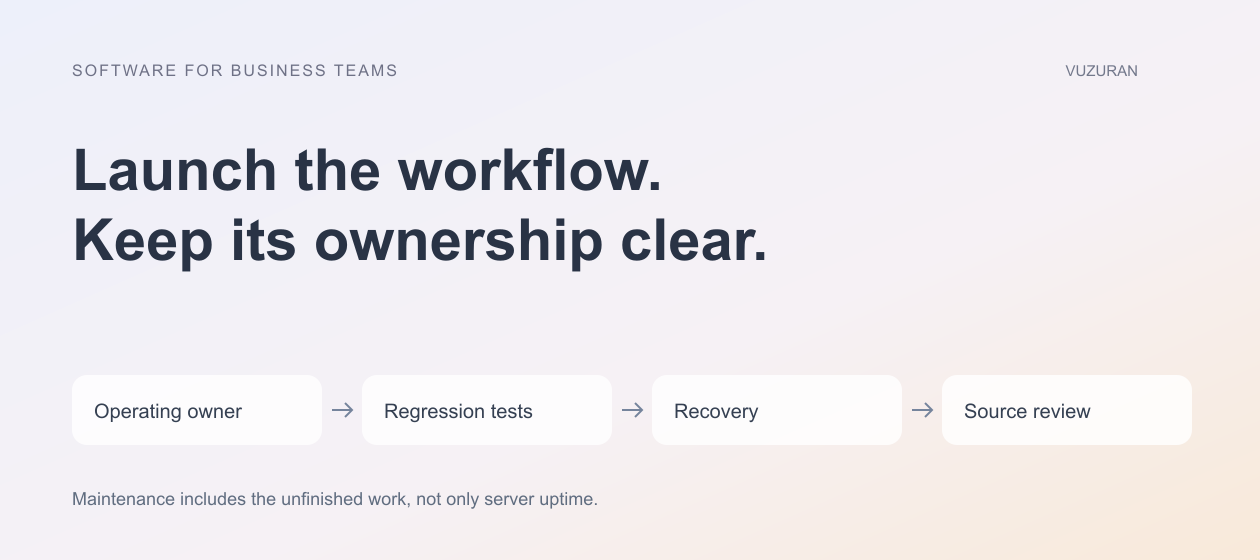
Maintenance needs evidence of the work still owed to the user, not only evidence that a server is running.
Test the alert path and the operator's response. A notification delivered to an abandoned inbox does not provide meaningful incident coverage.
Re-test changes before accepting them
A prompt edit, model change, new source document or connector update can alter behavior. Preserve the accepted evaluation cases and re-run the relevant set when the system changes.
Record the configuration with the results. If quality worsens, the team should be able to identify what changed and decide whether to roll back, correct the source or adjust the workflow.
Do not test only the normal request. Keep duplicate events, missing information, denied access and uncertain remote actions in the regression set. Our evaluation examples provide a starting framework.
Maintain credentials without broadening access casually
Review which accounts the workflow uses and whether their permissions still match the job. Remove unused access through the approved process and preserve a way to rotate credentials without losing operational ownership.
Do not solve an expired permission by granting broad administrator access because it is faster. Investigate what the workflow actually needs and test the new credential in the intended environment.
Keep secrets out of source files, screenshots and ordinary support messages. The maintenance runbook should explain the authorized access process rather than contain a copied password that becomes outdated and exposed.
Review software and provider dependencies
Maintain a record of important libraries, external APIs and hosted services. Assess updates for security and compatibility, then test the workflow. A provider's changed behavior can matter even when your own code has not changed.
NIST's Secure Software Development Framework, reviewed October 27, 2026, includes responding to vulnerabilities among its secure-development practices. It is a useful reference for discussing responsibility; citing it does not certify an application or replace a project-specific maintenance process.
Prioritize changes by their consequence and exposure. Keep the decision record when an update is postponed, including the reason and next review point.
Exercise recovery before relying on it
A backup needs a tested restore path. Confirm what is backed up, how access is controlled and which data or configuration would need separate recovery. Use an authorized environment for the exercise.
Also test business reconciliation. Restoring the application does not automatically establish which external actions completed before an outage. Inspect operation records and destination state before replaying work.
If a message or CRM update may already have happened, preserve the uncertain status until it is resolved. Our API integration guide explains why blind retries can create duplicates.
Keep sources and operating instructions current
An assistant can give outdated answers even when its software is functioning. Assign owners to the approved knowledge sources and review them when policies, products or workflows change.
Update the runbook after real incidents. Record the cause, the affected work and the verified correction. Avoid a log that says only “fixed” without helping the next operator recognize the same problem.
VUZURAN can discuss maintenance and handover as part of a custom AI workflow engagement. A project conversation can begin with the current ownership map and unresolved responsibilities. The appropriate arrangement should match the workflow's importance and the team's ability to operate it.
Frequently asked questions
Is hosting the same as maintenance?
No. Hosting provides an environment; maintenance includes changes, monitoring, recovery, credentials and the application's ongoing behavior.
Do prompt changes need testing?
Yes, when they affect the workflow. Preserve accepted cases and compare behavior rather than assuming a wording edit cannot introduce a regression.
What belongs in the handover?
Include source and deployment details, accounts, permissions, monitoring, recovery instructions, evaluation cases and the agreed support process.
Should every failure be retried automatically?
No. Some failures require correction or reconciliation first. Define which operations are safe to repeat and keep uncertain external results visible.
Sources & context
- NIST: Secure Software Development Framework
Primary reference reviewed October 27, 2026. Scope, examples and evaluation criteria are original VUZURAN editorial guidance; no certification or universal compatibility claim.
Written by VUZURAN. Examples labeled hypothetical are illustrative; they are not customer results. VUZURAN service references describe our own business.